
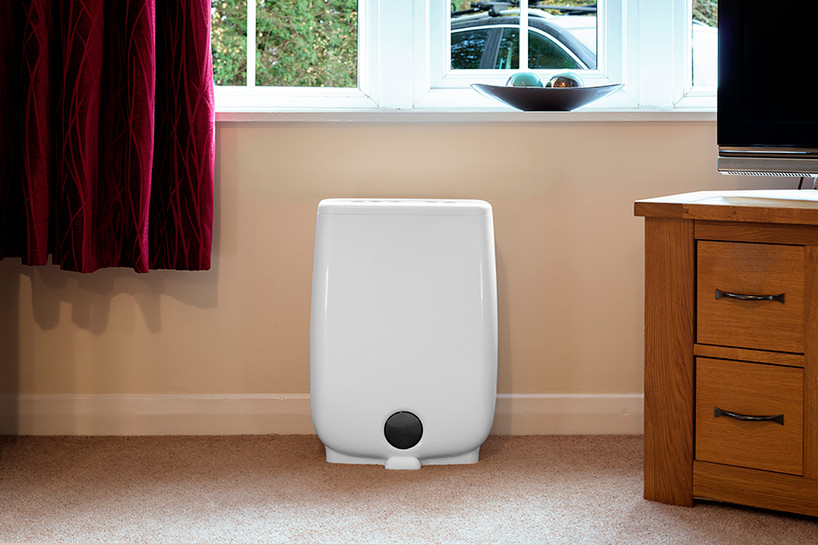
Simple Meaco Dehumidifier Troubleshooting & Reset Guide
If your dehumidifier isn't working or has a warning light turned on, try these quick troubleshooting steps to get it running again.
Step 1: Check the Power & Manual
-
Check the manual: Review the built-in troubleshooting section in your product manual for specific error codes or light patterns.
-
Verify power connection: Ensure the unit is securely plugged into a working outlet and the outlet itself has power.
Step 2: Clean the Air Filter & Reset the Sensor
If the power is connected but the unit isn't running properly, clean the filter and air sensor by following these steps:
-
Safety first: Unplug the dehumidifier from the wall outlet.
-
Remove and wash the filter: Gently pull out the air filter and wash it using mild soap and warm water. Set it aside to dry completely.
-
Locate the humidity sensor: Look inside the back of the dehumidifier (behind where the filter sits). Locate a small white plastic piece—about the size of a matchbox—with multiple small holes.
-
Clear dust and moisture: Using a hairdryer on a cool setting, gently blow air around the white plastic sensor to clear out any trapped moisture or debris.
-
Reassemble and test: Once the filter is completely dry, reinsert it into the unit. Plug the dehumidifier back in and turn it on to check for normal operation.
Step 3: Next Steps
If the dehumidifier still has no power or the warning light remains on after completing these steps, the unit may require service.
Please reach out directly to the customer service department of the retailer where you purchased the product for warranty options or repairs.
Or buy a new one from us